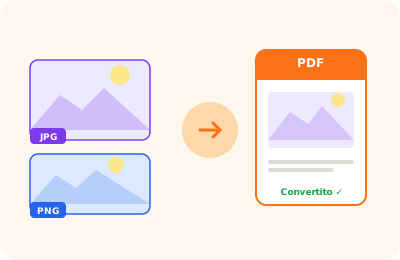
Converting JPG images to PDF is useful for creating documents from photos on your device, assembling a photo portfolio, or archiving images in a standard format. OnlinePdfEditor converts one or more JPG images into a single PDF file, with each image on a separate page.
You can upload multiple files at once and reorder them before conversion. The PDF page format automatically adapts to the image dimensions: a 16:9 landscape JPG produces a landscape page, a portrait image produces a portrait page. Alternatively you can force all images to A4 format with proportional scaling.
An important technical point: unlike PNG, JPG uses lossy compression — each save slightly degrades quality. OnlinePdfEditor embeds the original JPEG bytes directly in the PDF without recompression, so the PDF quality is identical to the source JPG. If you have images with sharp text, charts, or screenshots where quality is critical, consider using the 'PNG to PDF' tool which works with the lossless format and produces sharper text.