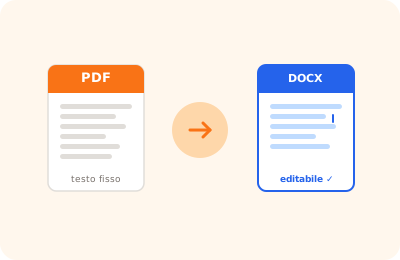
Converting a PDF to Word is often necessary when you receive documents in PDF format but need to edit the content, update text, or reformat the layout. OnlinePdfEditor offers two conversion modes: a standard mode for PDFs with selectable text, and a "precise layout" mode that attempts to preserve the visual structure of the original document.
The conversion runs in the browser using pdf.js (which extracts the text stream) and docx-lib (which builds the Word file). Standard mode produces a flowing, easily editable document — ideal for contracts, reports, and letters where content matters more than formatting. If your PDF is a brochure, form, or multi-column document, use precise layout mode instead.
An important limitation: if the PDF is a photographic scan — an image with no selectable text layer — the conversion produces an empty or image-only Word document. In that case, you must first run OCR to make the text recognizable, then convert to Word. Native digital PDFs (generated from Word, LibreOffice, or printed from an application) convert with high fidelity.